
Digital twin of the material stock
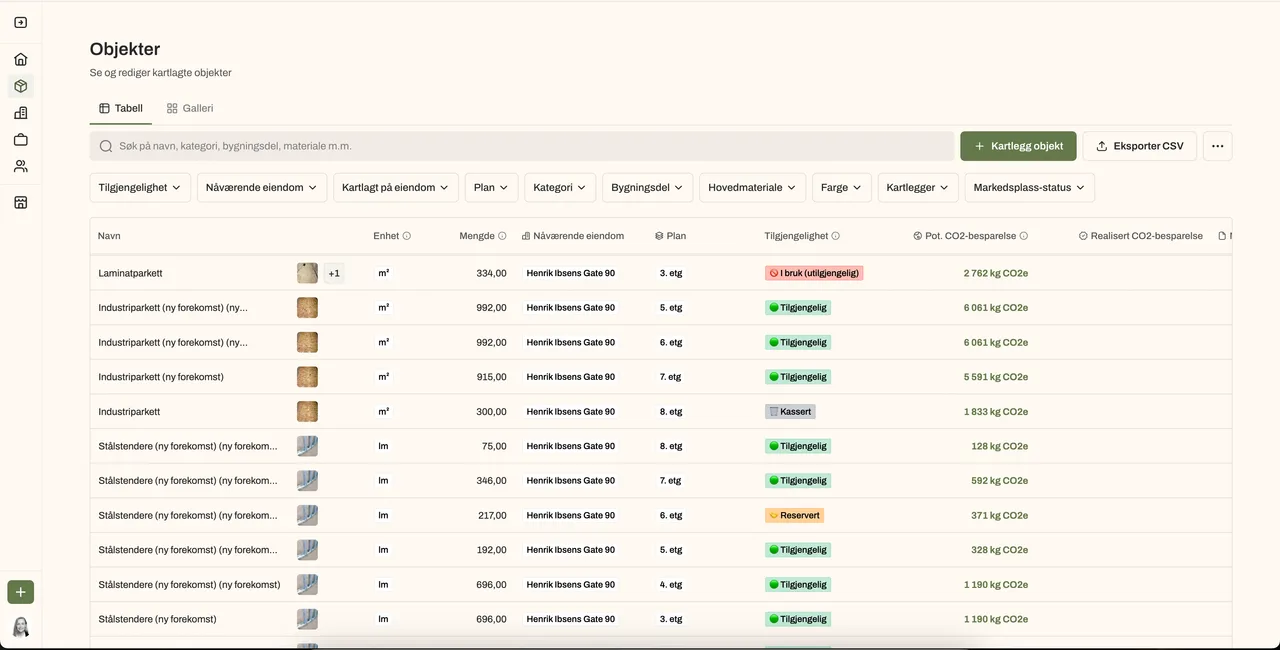
Complete overview of all mapped materials across properties and projects: a mirror of the physical world. Provides control and is the foundation for all planning.
Digital twin of the stock
Complete overview of all mapped materials across properties and projects: a mirror of the physical world. Provides control and is the foundation for all planning.
- Portfolio view across properties and projects
- Status per material: Available, In use, Reserved, Discarded
- Estimated CO² savings ready for the sustainability team
Filter and sort by what matters
Filter by property, floor and building element. Sort by largest CO² savings to see the biggest reuse wins first.
- Filter by property, floor and building element
- Sort by estimated CO² savings
- Search across the entire portfolio
See the connections across the portfolio
All identical instances of the same material, gathered across floors and properties. Found suspended ceilings in three properties? You see them together and can plan reuse between them.
- Identical materials grouped automatically
- View total quantity and combined CO² savings across the portfolio
- The foundation for internal reuse from project A to project B
Split into sub-quantities
Mapped 300 identical chairs? Should 30 be discarded, 50 listed on the marketplace, 100 reused and the rest kept in place? Split the registration into sub-quantities and assign each its own status, so the inventory always reflects reality.
- Divide one registration into any number of sub-quantities
- Available / In use / Reserved / Discarded per sub-quantity
- The inventory updates automatically
Plan with projects
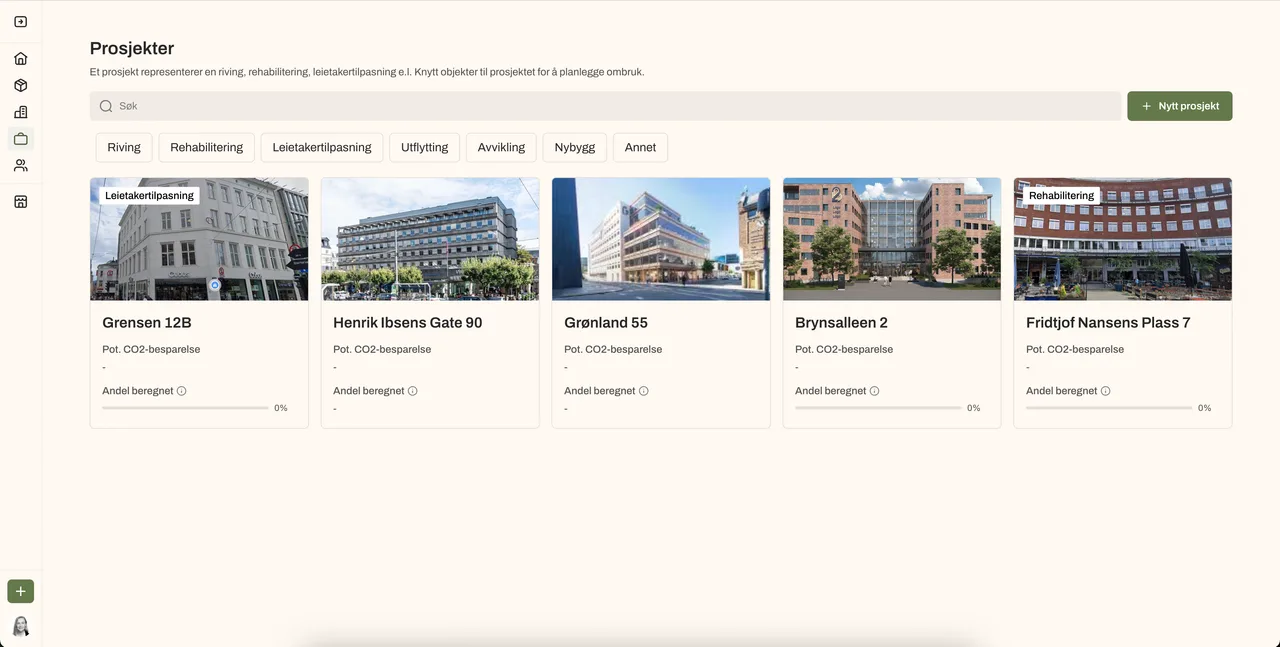
Link materials to projects: tenant fit-outs, refurbishments, new builds. Reserve what you intend to use and keep track across all active projects.
- Reserve materials for a specific project
- Reserved status prevents double allocation
- Overview of material use per project
Mark as reused
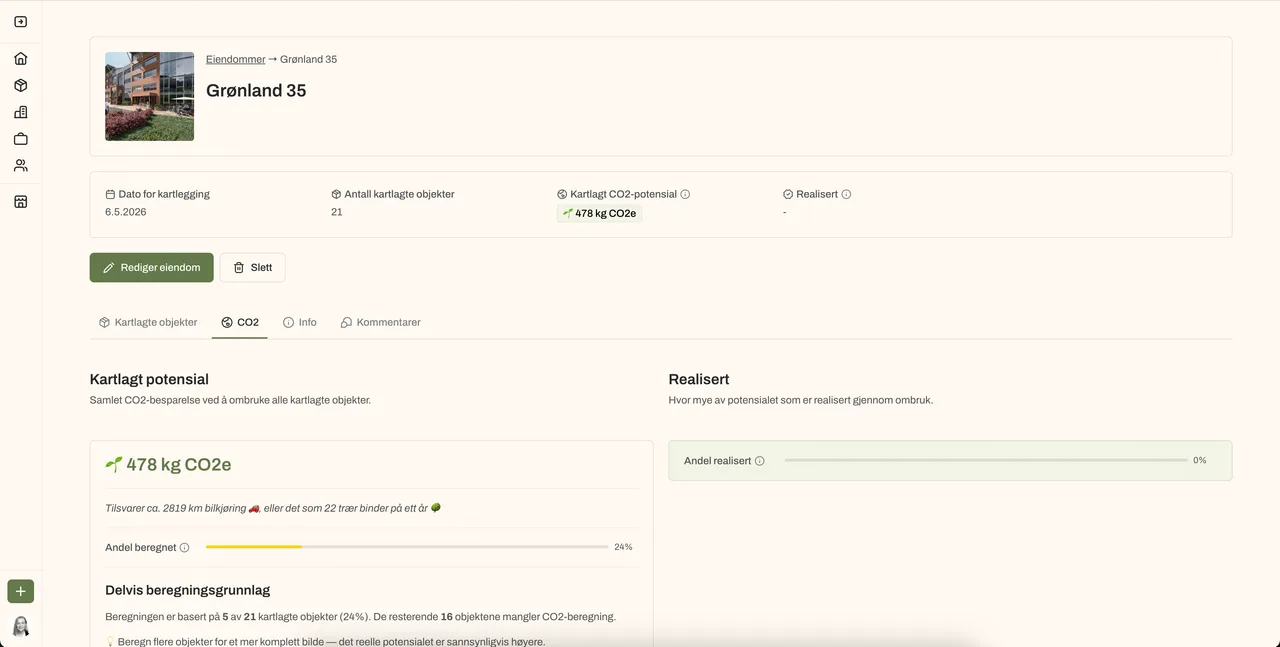
When a material is actually reused, mark it and see the realised CO² savings. Not just potential, but documented climate gain.
- Change status to In use when reuse takes place
- Rehub calculates the realised CO² savings automatically
- Documentation ready for sustainability reporting
See everything on the floor plan, with photos
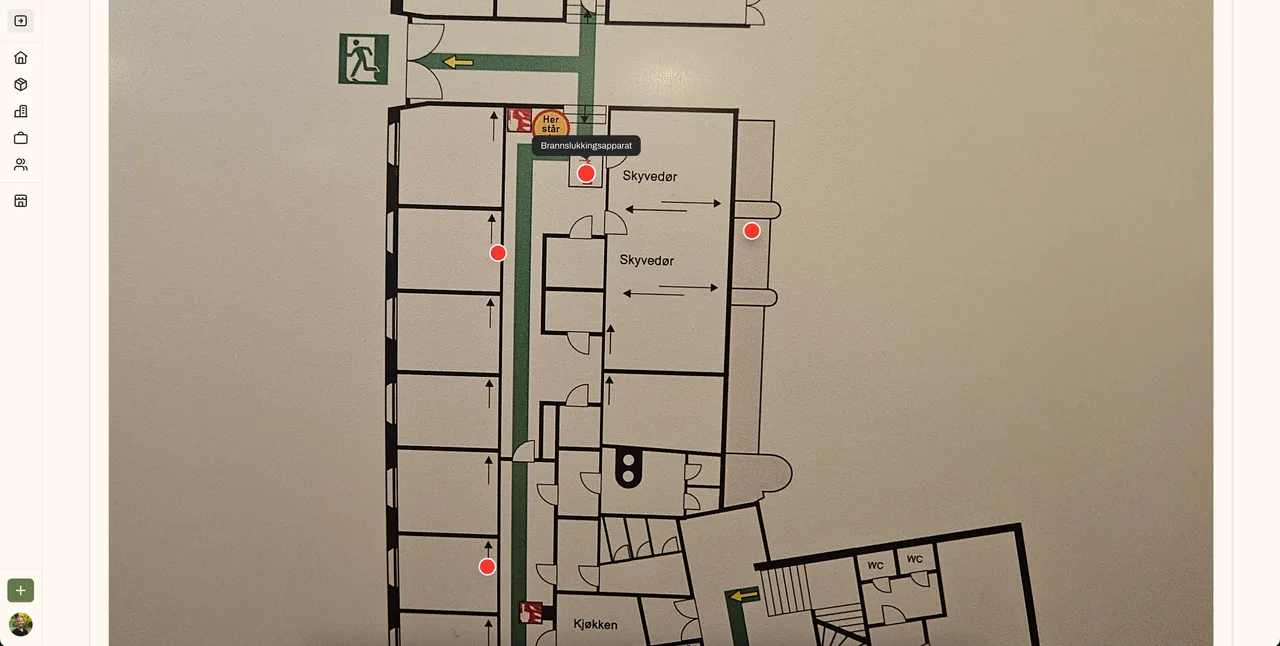
Every material is pinned to the floor plan, with photo and details available with a single tap. You see not only what exists, but exactly where it is.
- All pins show photo and details
- Navigate between floors and buildings
- The floor plan reflects field registrations directly
Want to see the portfolio overview?
We show you how internal reuse reduces material purchases across the portfolio.